MacBook wallpapers
MacBook wallpapers that look painted
Oil painting wallpapers for MacBook Air, MacBook Pro and iMac, delivered in 4K so every brushstroke stays sharp on Retina.
-
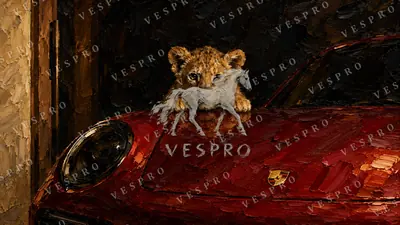 Lion Cub on a Red Sports Car
 -
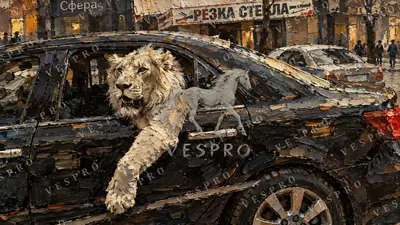 White Lion in a Black Car
 -
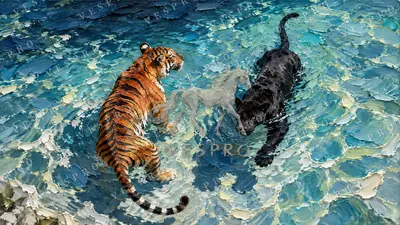 Tiger and Panther Swimming
 -
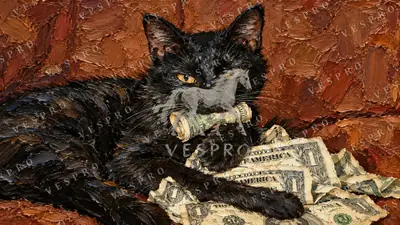 Black Cat on a Pile of Money
 -
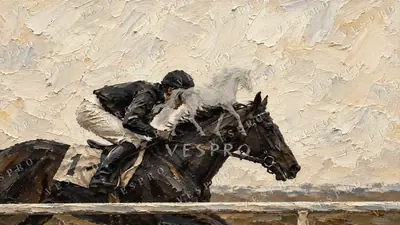 Jockey at Full Gallop
 -
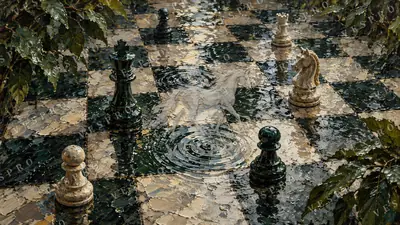 Chess Pieces Reflected in Water
 -
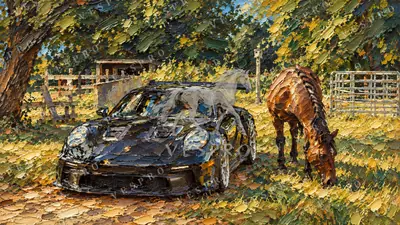 Black Sports Car at the Horse Ranch
 -
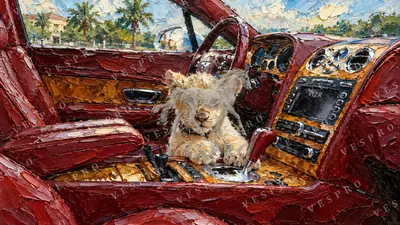 Lion Cub in a Classic Car
 -
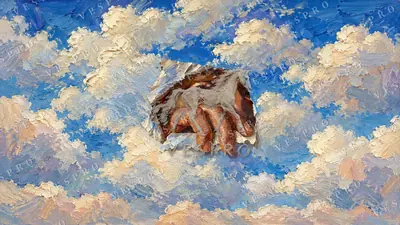 Dog in the Clouds
 -
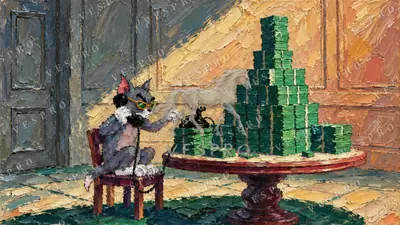 Cat at the Table with Stacks of Cash
 -
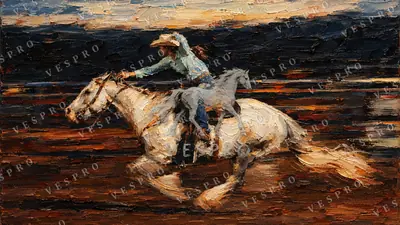 Rider on a White Horse at Dusk
 -
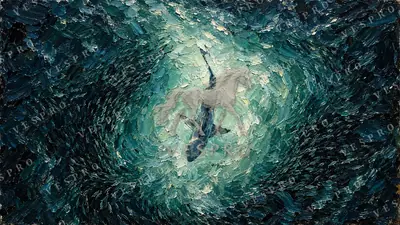 Shark in a School of Fish
 -
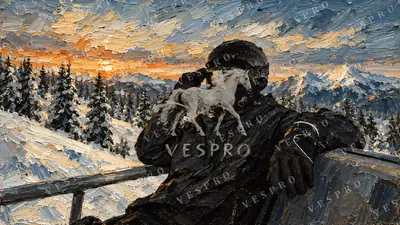 Figure in a Balaclava in the Snowy Mountains
 -
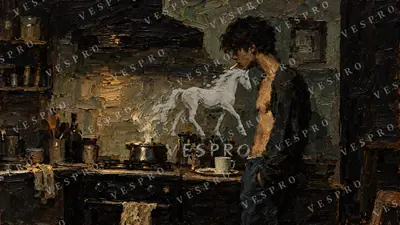 Rustic Kitchen at Dusk
 -
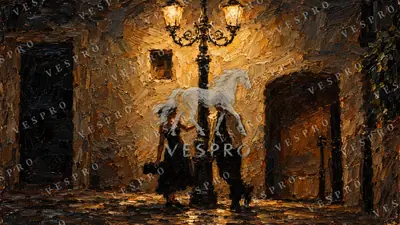 Couple Under a Street Lamp
 -
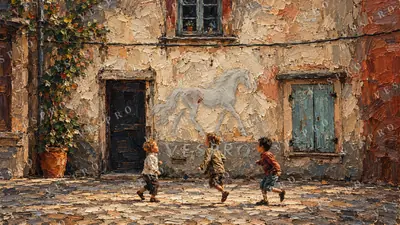 Children Playing Ball in a Village Square
 -
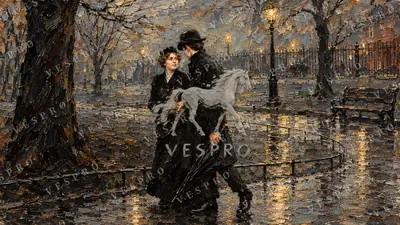 Couple Walking in the Rain
 -
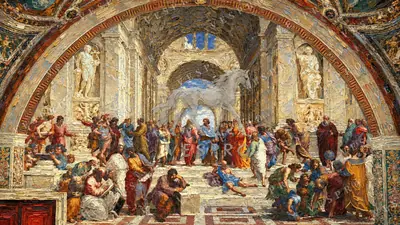 Renaissance Philosophers Fresco
 -
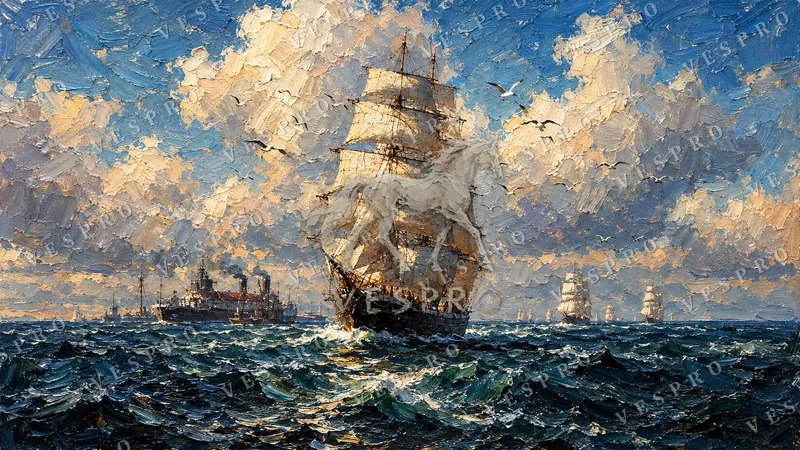
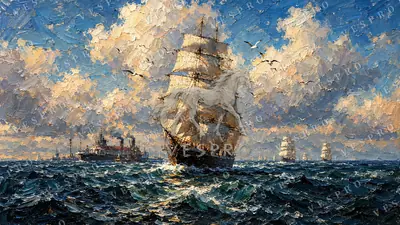 Tall Ship on the Open Sea
 -
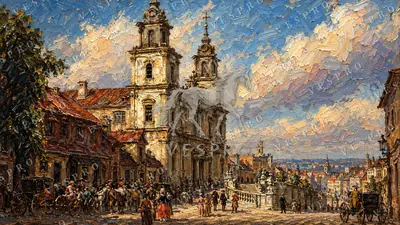 Baroque Church on a European Street
 -
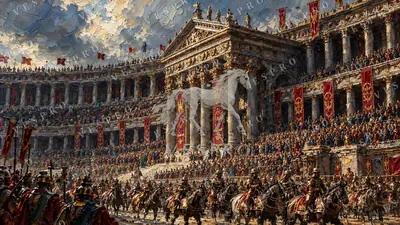 Crowd at the Colonnade Palace
 -
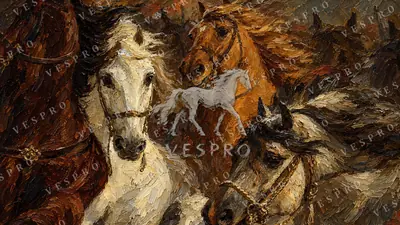 Galloping Horses Close-Up
 -
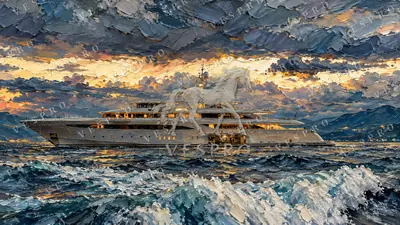 Superyacht at Sunset
 -
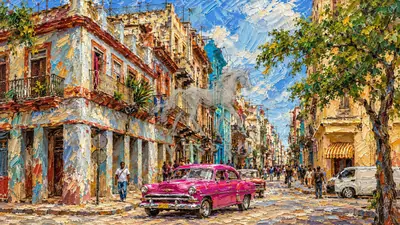 Havana Street with Classic Cars
 -
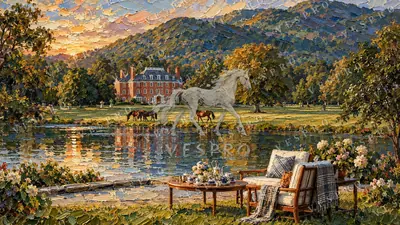 Lake House Deck at Golden Hour
 -
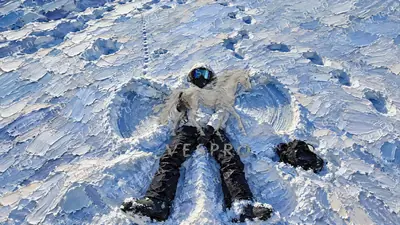 Snow Angel
 -
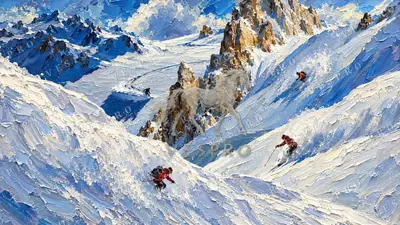 Skiers on a Snowy Mountain
 -
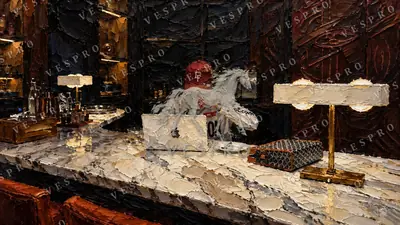 Late-Night Home Office
 -
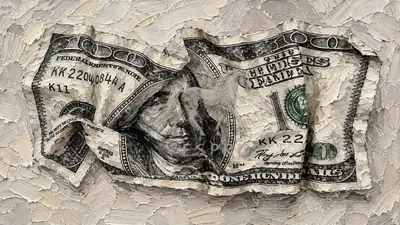 Crumpled Hundred-Dollar Bill
 -
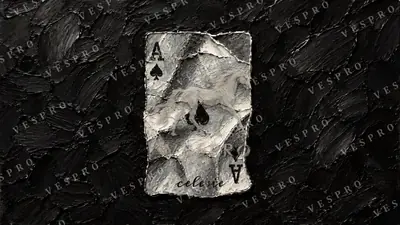 Ace of Spades
 -
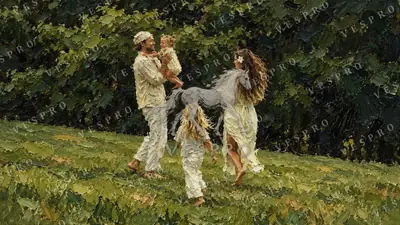 Family in a Field at Sunset
 -
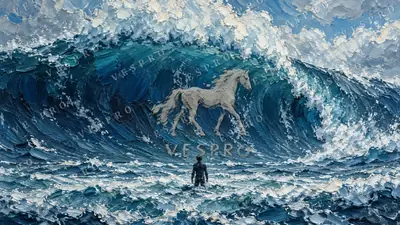 Surfer and the Giant Wave
 -
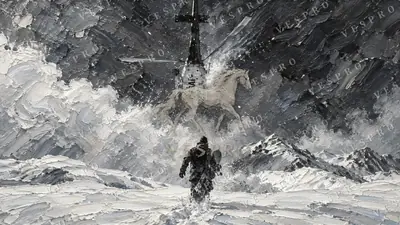 Helicopter Rescue at Sea
 -
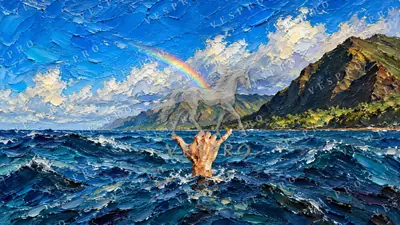 Shaka Sign Under a Rainbow
 -
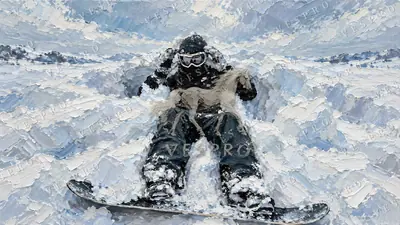 Snowboarder in Deep Powder
 -
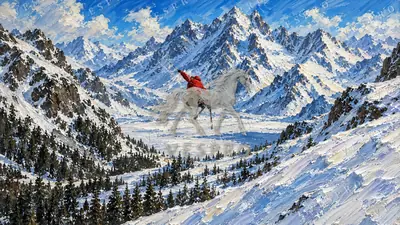 Skier on a Snowy Slope
 -
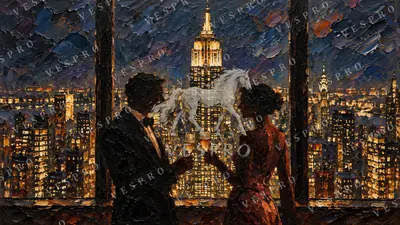 Toast Above the New York Skyline
 -
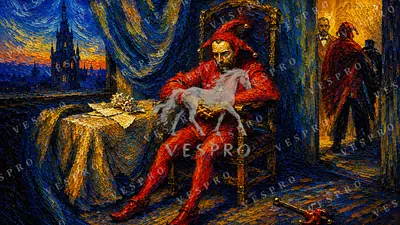 Jester in Red by Candlelight
 -
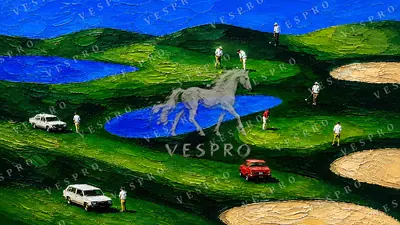 Golf Course from Above
 -
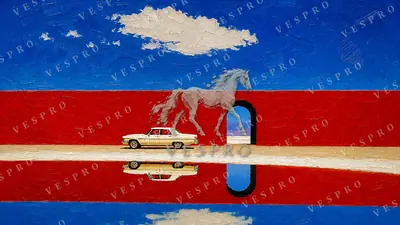 White Classic Car by the Red Wall
 -
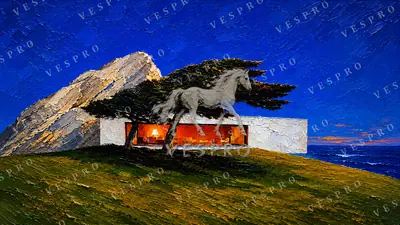 Modern House Under a Cypress
 -
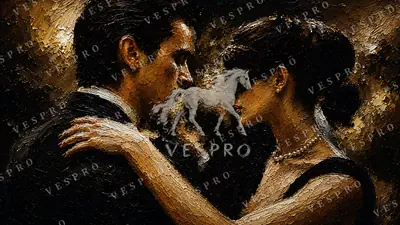 Tango in the Dark
 -
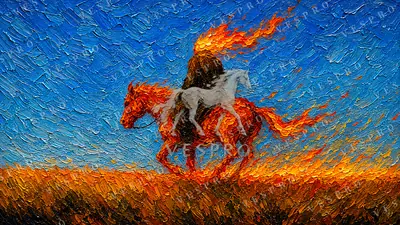 Rider on a Horse of Fire
 -
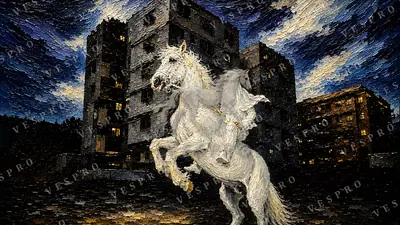 White Horse Rearing at Night
 -
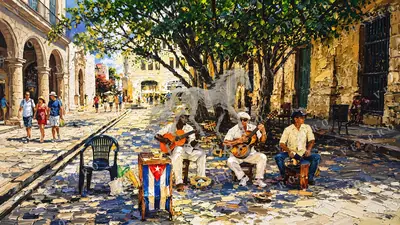 Havana Street Musicians
 -
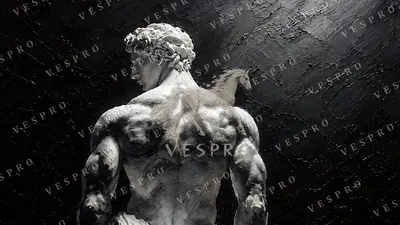 Marble Statue from Behind
 -
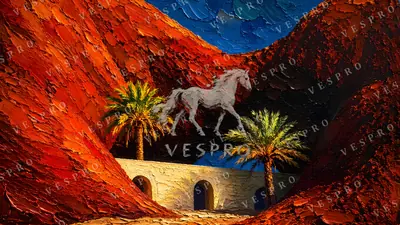 Desert Oasis with Arches
 -
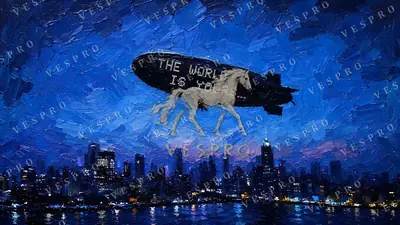 The World Is Yours Airship
 -
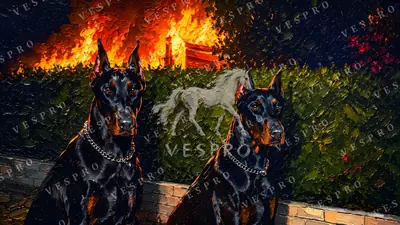 Dobermans Before the Fire
 -
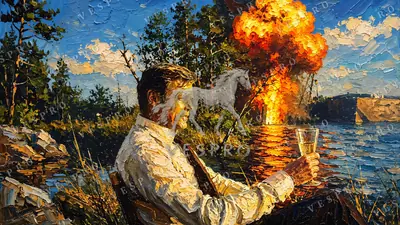 A Drink by the Explosion
 -
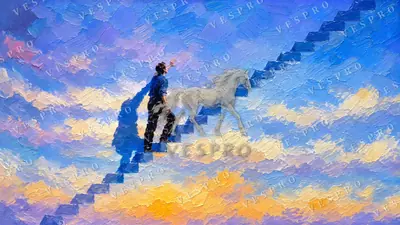 Stairway into the Sunset
 -
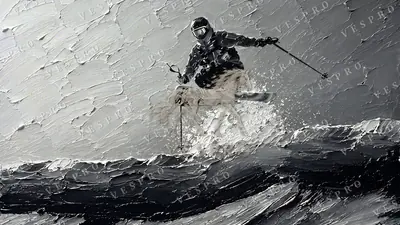 Skier in Mid-Air
 -
 Money Talks
 -
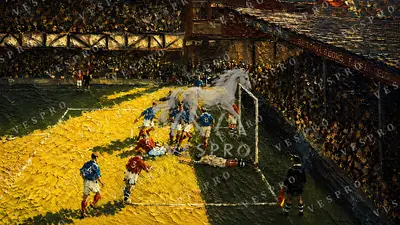 Goal in the Golden Stadium
 -
 Black Cat Guarding Dollars
 -
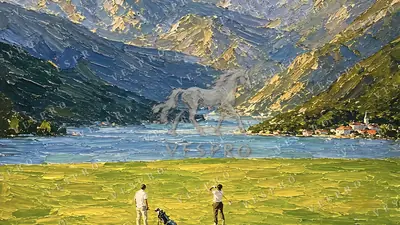 Golf by the Alpine Lake
 -
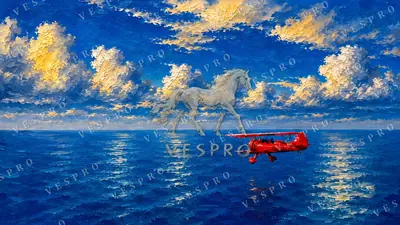 Red Seaplane over the Ocean
 -
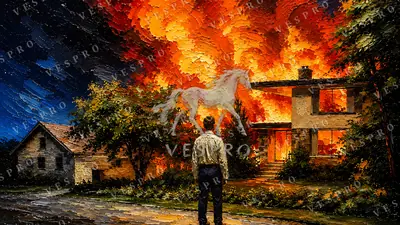 Man Watching the House Burn
 -
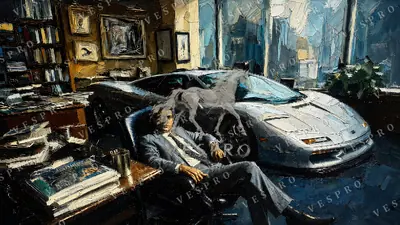 Silver Supercar in the Office
 -
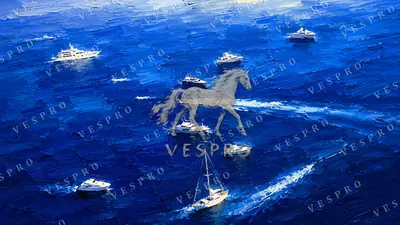 Yachts on Deep Blue Water
 -
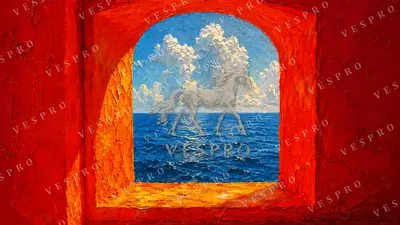 Red Window to the Sea
 -
 Japanese Castle Under a Full Moon
 -
 The Chimp Executive
 -
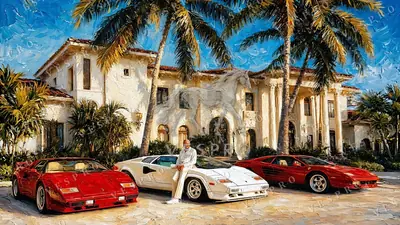 Supercars at the Palm Mansion
 -
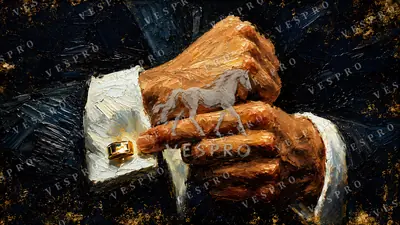 The Gold Cufflink
 -
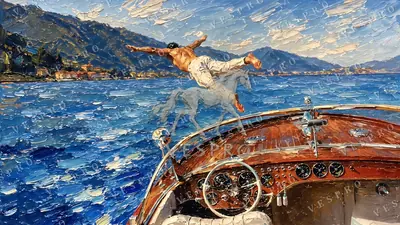 Diving from a Classic Boat
 -
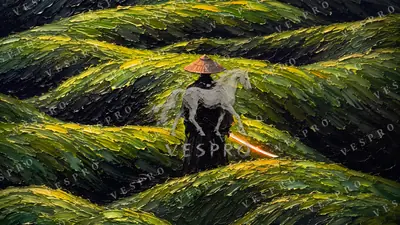 Wanderer in the Tea Fields
 -
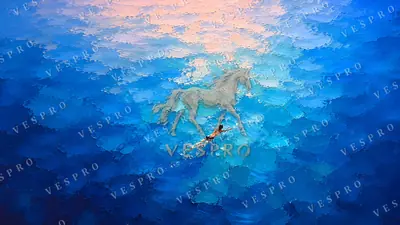 Swimmer in the Open Ocean
 -
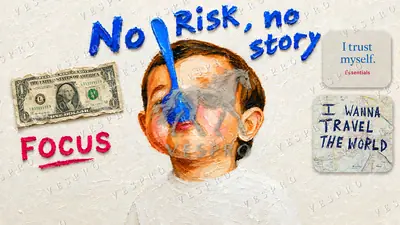 No Risk, No Story
 -
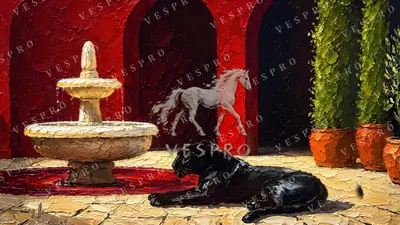 Panther by the Fountain
 -
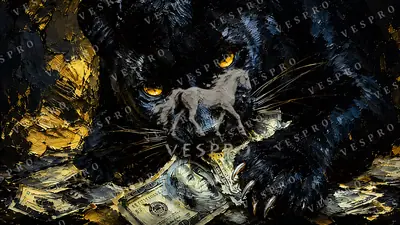 Black Leopard on a Pile of Cash
 -
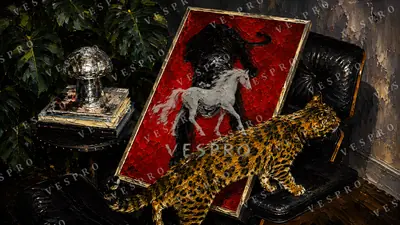 Leopard and the Panther Portrait
 -
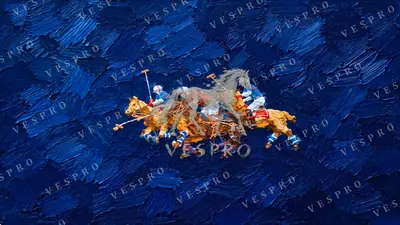 Polo Players on Deep Blue
 -
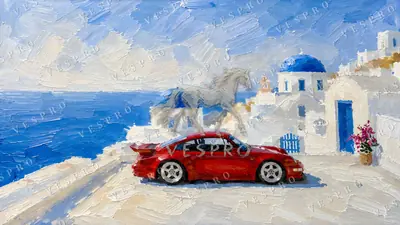 Red Sports Car in Santorini
 -
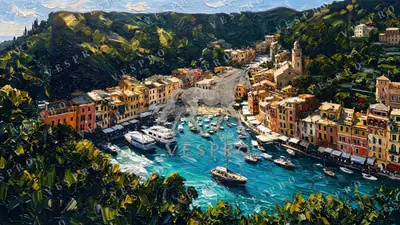 Portofino Harbour
 -
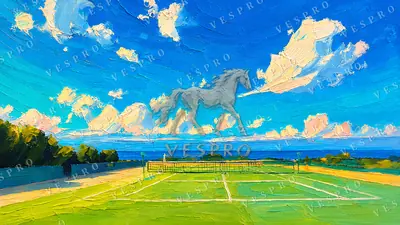 Tennis Court by the Sea
 -
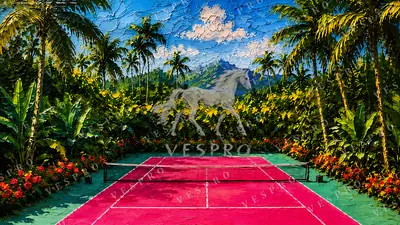 Pink Tennis Court in the Jungle
 -
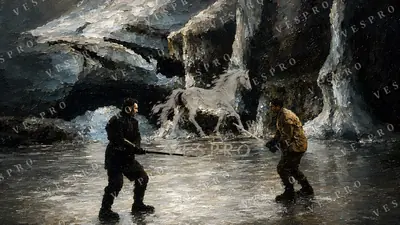 Duel in the Ice Cave
 -
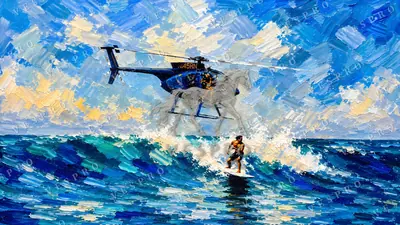 Surfer and the Helicopter
 -
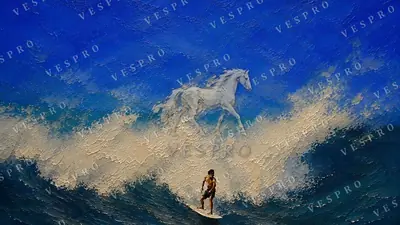 Lone Surfer on a Blue Wave
 -
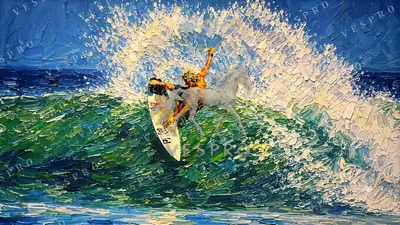 Surfer Carving the Wave
 -
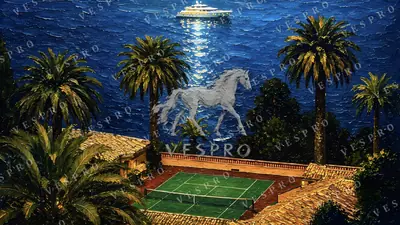 Tennis Court and Yacht at Night
 -
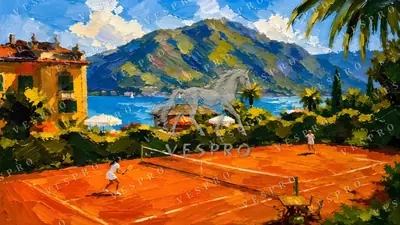 Clay Court on the Lake
 -
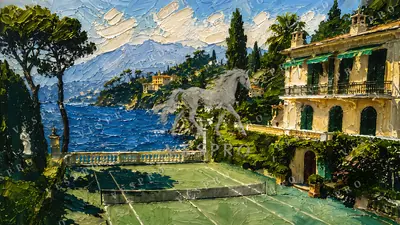 Villa Tennis Court on the Riviera
 -
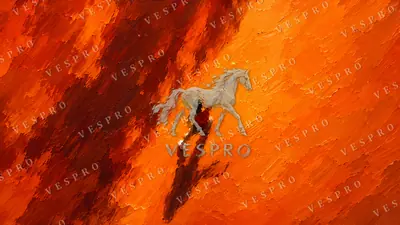 Tennis Player on an Orange Court
 -
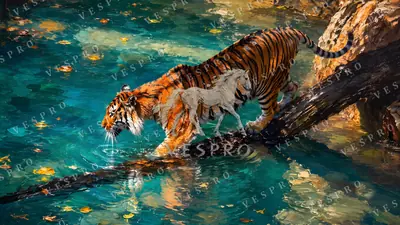 Tiger Crossing the Stream
 -
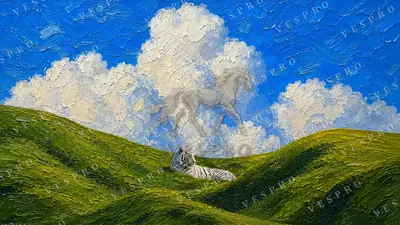 White Tiger on a Green Hill
 -
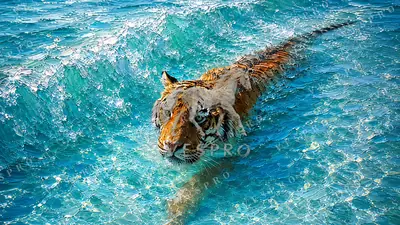 Tiger Swimming in Turquoise Water
 -
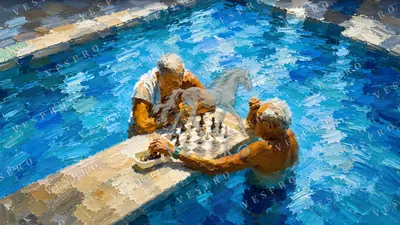 Chess in the Pool
 -
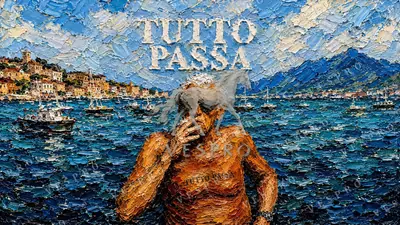 Tutto Passa
 -
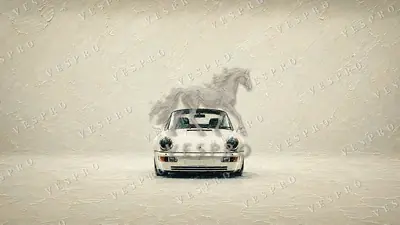 White 911 in the Fog
 -
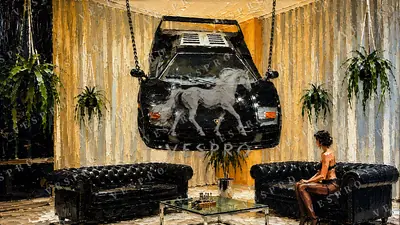 Supercar Hanging in the Lounge
 -
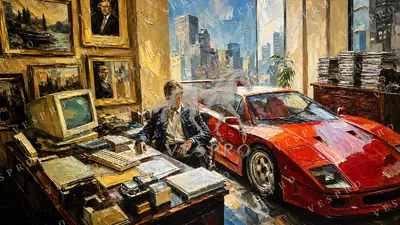 Red F40 in the Office
 -
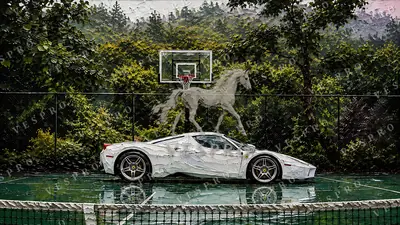 White Ferrari on the Court
 -
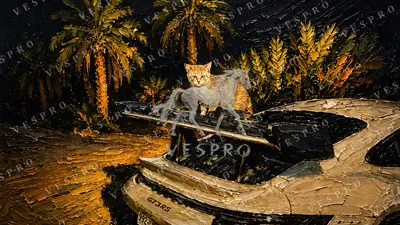 Cat on the GT3 RS
 -
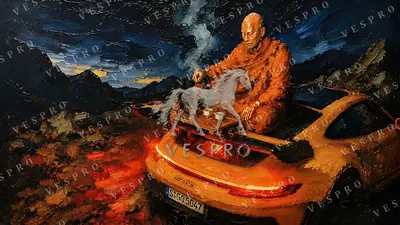 Monk Pouring Tea on a GT3 RS
 -
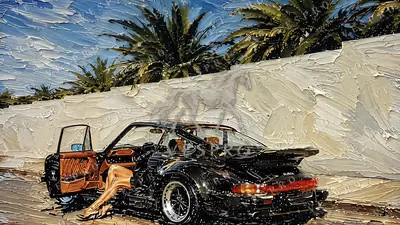 Black 911 Under the Palms
 -
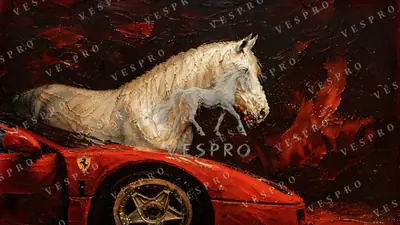 White Horse and Red Ferrari
 -
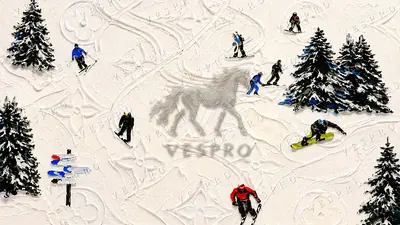 Monogram Ski Slope
 -
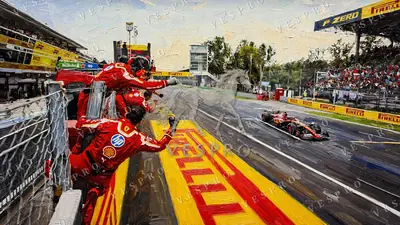 Red Pit Stop
 -
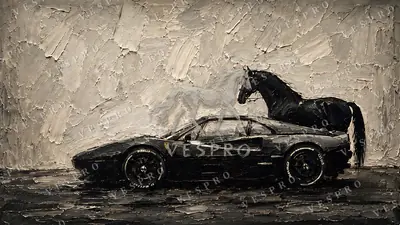 Black Horse, Black Ferrari
 -
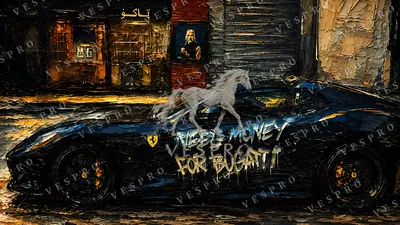 Need Money for Bugatti
 -
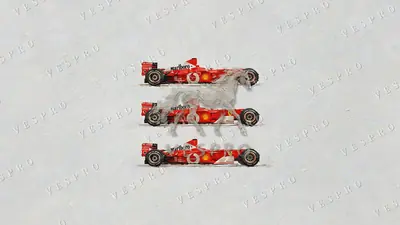 Three Red F1 Cars
 -
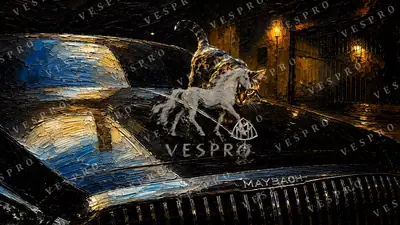 Cat on the Maybach
 -
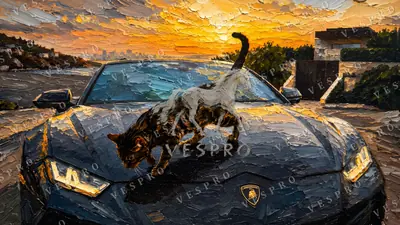 Wild Cat on the Lamborghini
 -
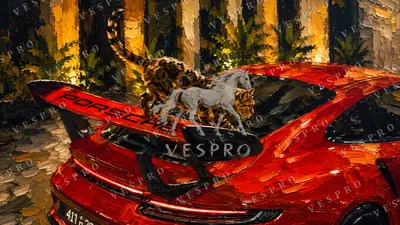 Leopard on the Red Porsche
 -
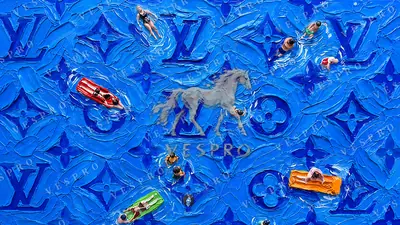 Monogram Pool in Blue
 -
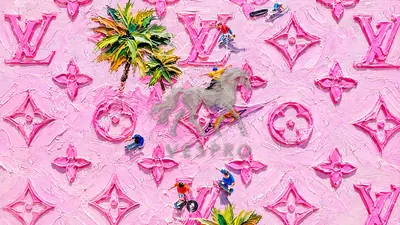 Monogram in Pink
 -
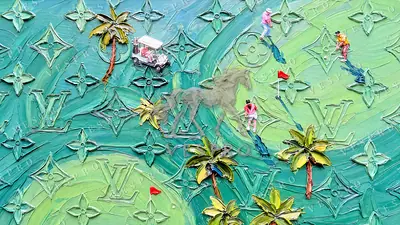 Monogram Golf Course
 -
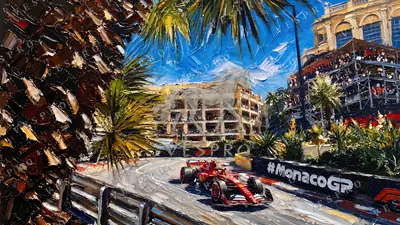 Monaco Grand Prix
 -
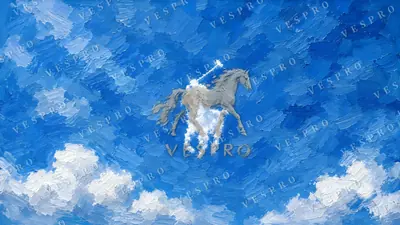 Polo Pony in the Clouds
 -
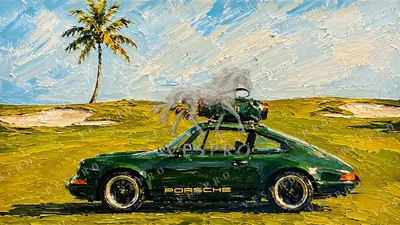 Green 911 with a Golf Bag
 -
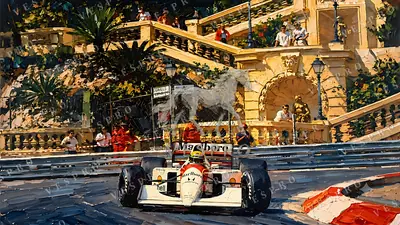 Classic F1 Car at Monaco
 -
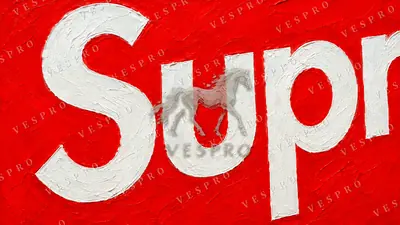 Supreme Box Logo
 -
 Supreme in Japanese
 -
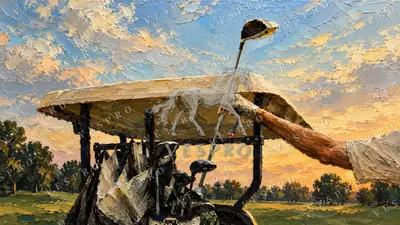 Golf Club at Sunset
 -
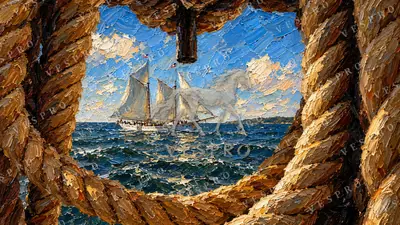 Tall Ship Through the Rope
 -
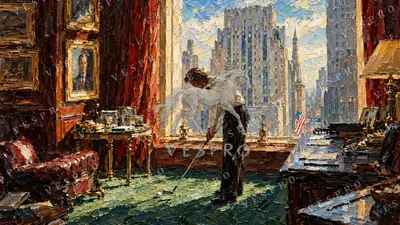 Office Golf with a New York View
 -
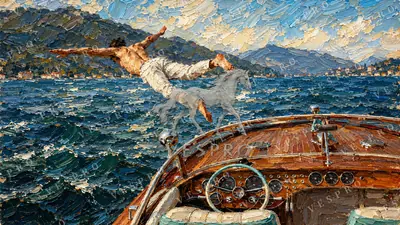 Speedboat Dive on the Mountain Lake
 -
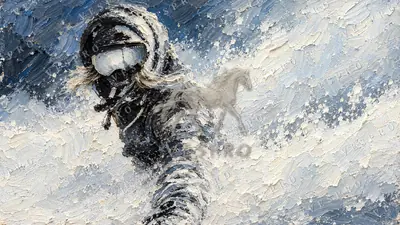 Skier in Deep Powder
 -
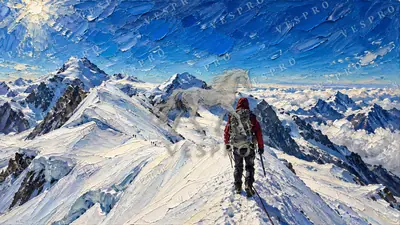 Climber on a Snowy Ridge
 -
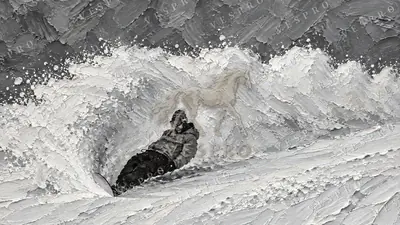 Snowboarder in Black and White
 -
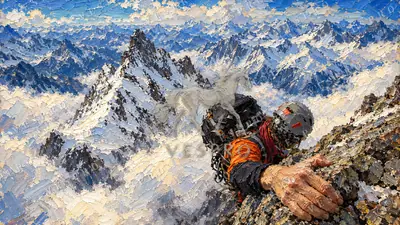 Climbing the Alpine Summit
 -
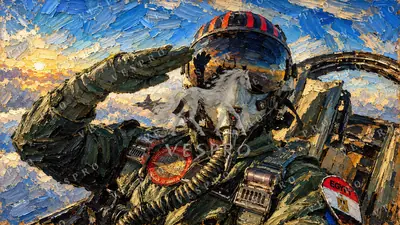 Fighter Pilot Salute at Sunset
 -
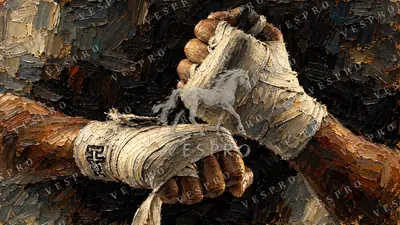 Wrapped Boxing Fists
 -
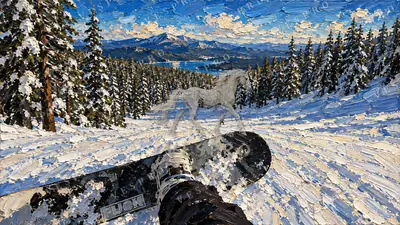 Snowboard Run in First Person
 -
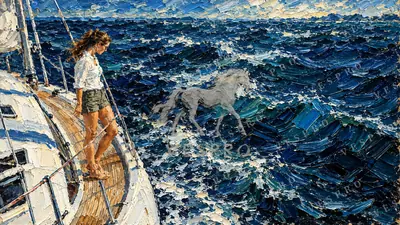 On Deck in the Open Sea
 -
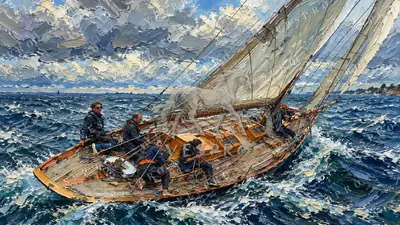 Classic Sailboat Crew
 -
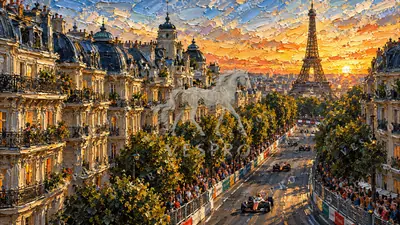 Street Race in Paris
 -
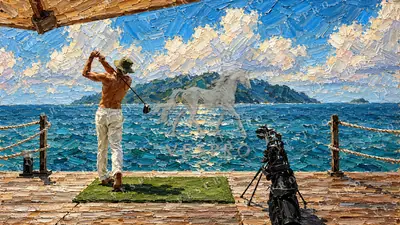 Golf Swing on the Pier
 -
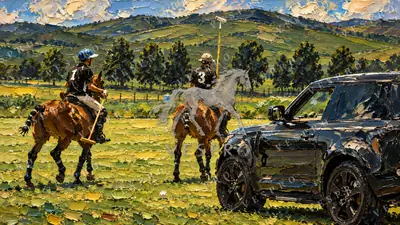 Polo Players and the Black SUV
 -
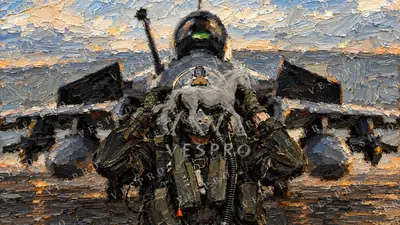 Pilot in Front of the Jet
 -
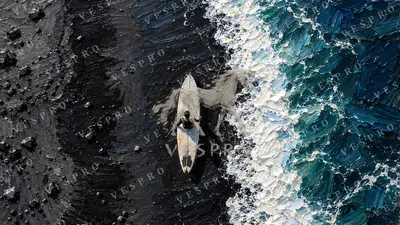 Surfboard on Black Sand
 -
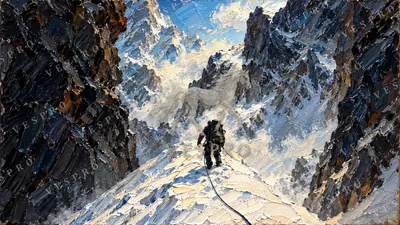 Roped Climber in the Gorge
 -
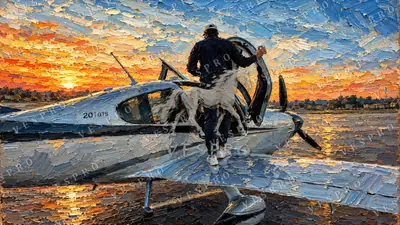 Light Plane at Sunset
 -
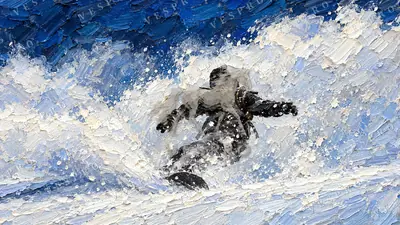 Snowboarder Carving Powder
 -
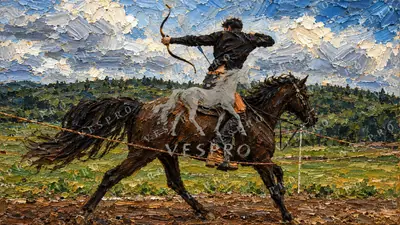 Mounted Archer
 -
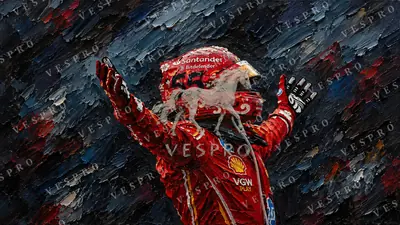 F1 Driver Celebrating in Red
 -
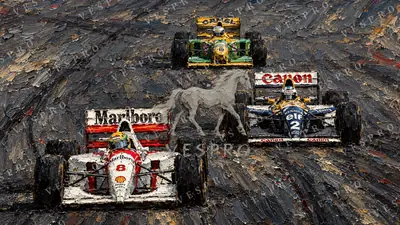 Three Classic F1 Cars
 -
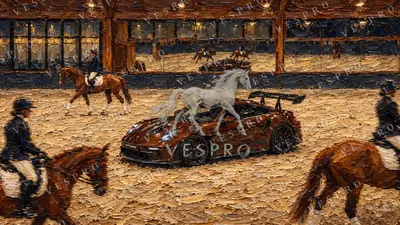 Sports Car in the Riding Arena
 -
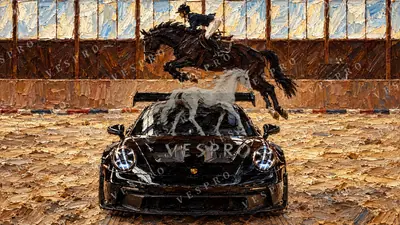 Horse Jumping over a Sports Car
 -
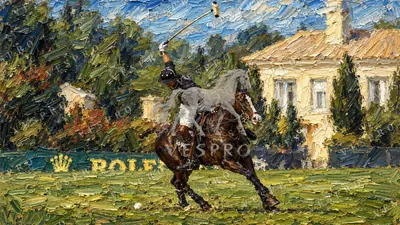 Polo at the Mansion
 -
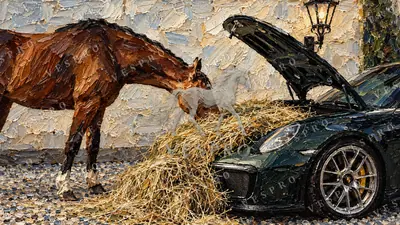 Horse Eating Hay from a 911
 -
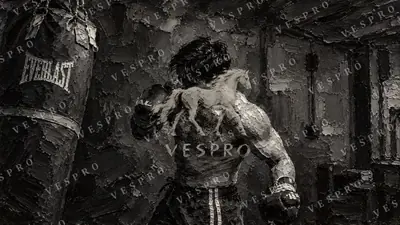 Boxer in the Gym
 -
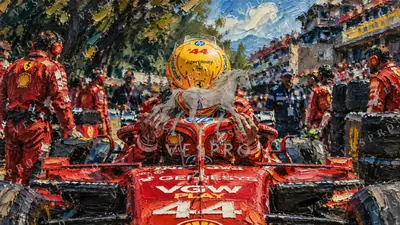 Driver in the Yellow Helmet
 -
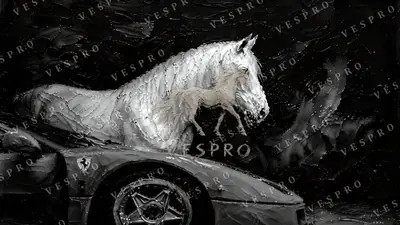 White Horse and Red Ferrari Noir
 -
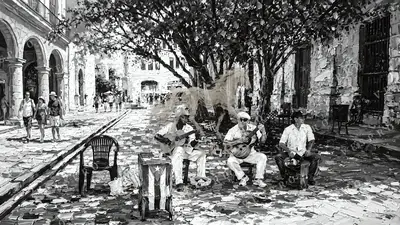 Havana Street Musicians Noir
 -
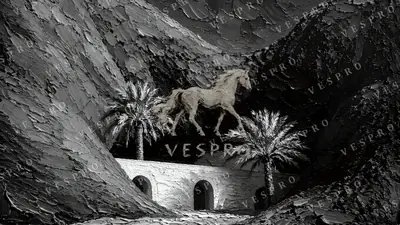 Desert Oasis with Arches Noir
 -
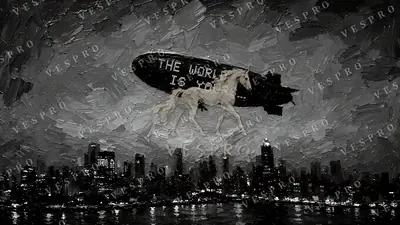 The World Is Yours Airship Noir
 -
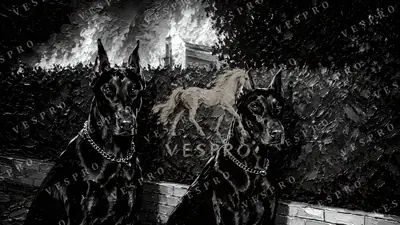 Dobermans Before the Fire Noir
 -
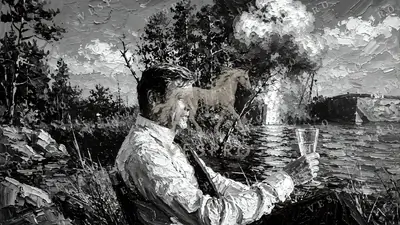 A Drink by the Explosion Noir
 -
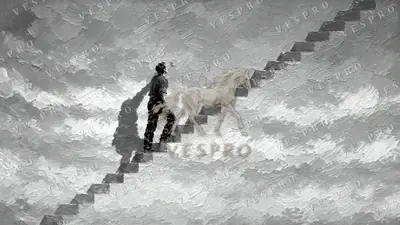 Stairway into the Sunset Noir
 -
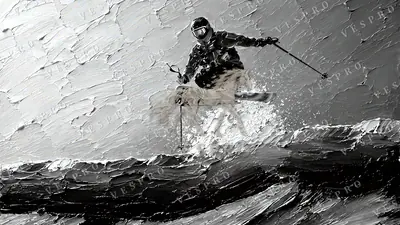 Skier in Mid-Air Noir
 -
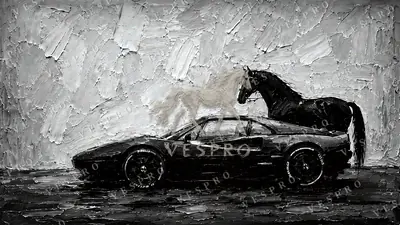 Black Horse, Black Ferrari Noir
 -
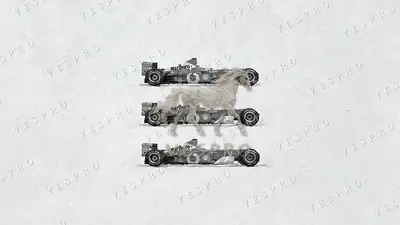 Three Red F1 Cars Noir
 -
 Money Talks Noir
 -
 Black Cat Guarding Dollars Noir
 -
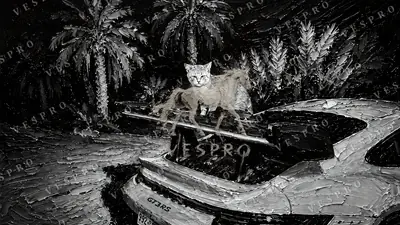 Cat on the GT3 RS Noir
 -
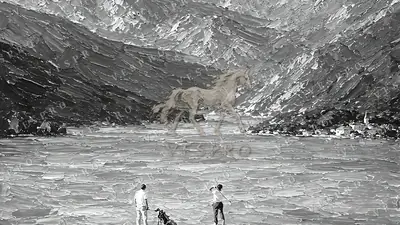 Golf by the Alpine Lake Noir
 -
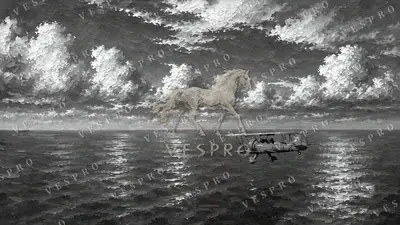 Red Seaplane over the Ocean Noir
 -
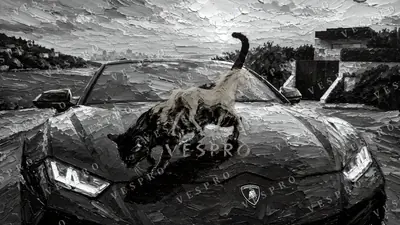 Wild Cat on the Lamborghini Noir
 -
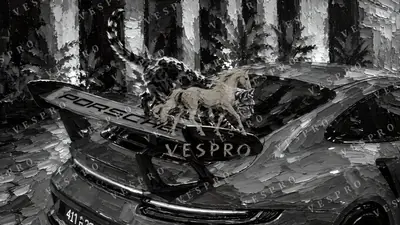 Leopard on the Red Porsche Noir
 -
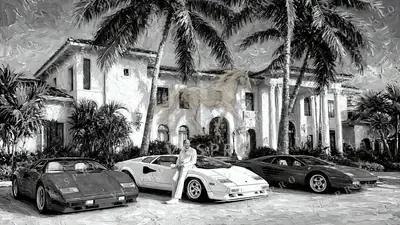 Supercars at the Palm Mansion Noir
 -
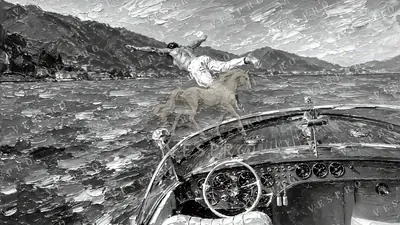 Diving from a Classic Boat Noir
 -
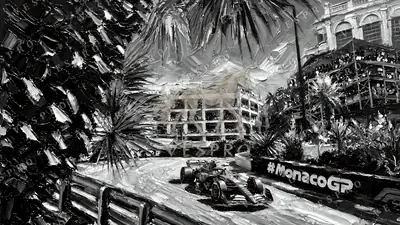 Monaco Grand Prix Noir
 -
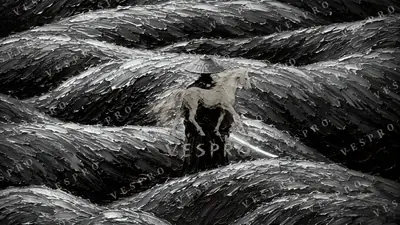 Wanderer in the Tea Fields Noir
 -
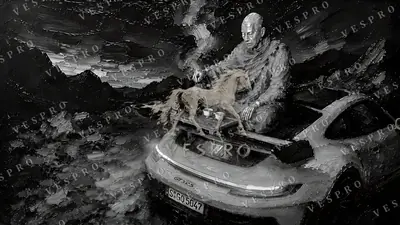 Monk Pouring Tea on a GT3 RS Noir
 -
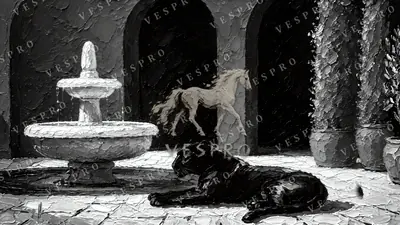 Panther by the Fountain Noir
 -
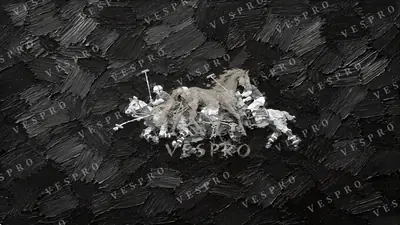 Polo Players on Deep Blue Noir
 -
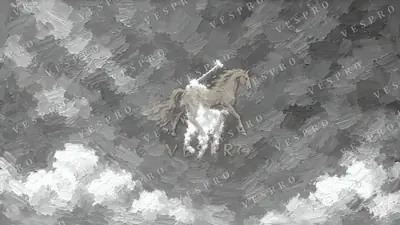 Polo Pony in the Clouds Noir
 -
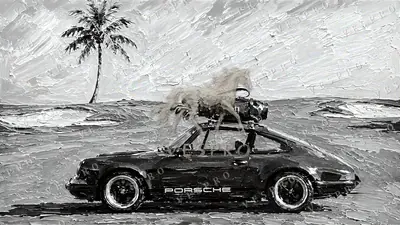 Green 911 with a Golf Bag Noir
 -
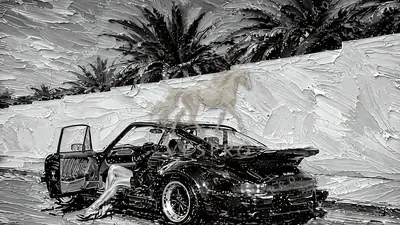 Black 911 Under the Palms Noir
 -
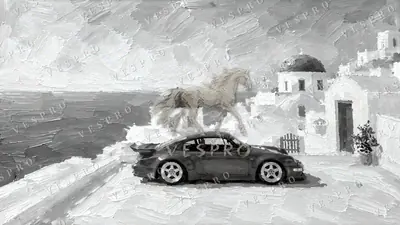 Red Sports Car in Santorini Noir
 -
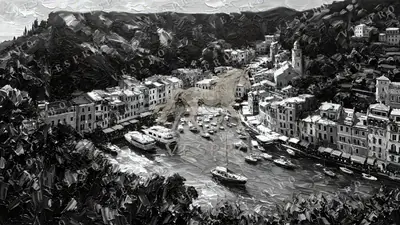 Portofino Harbour Noir
 -
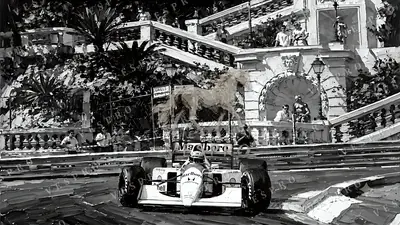 Classic F1 Car at Monaco Noir
 -
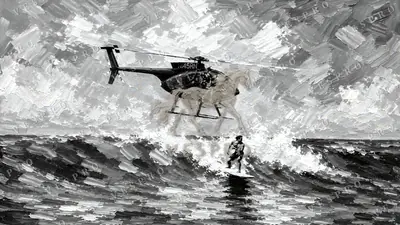 Surfer and the Helicopter Noir
 -
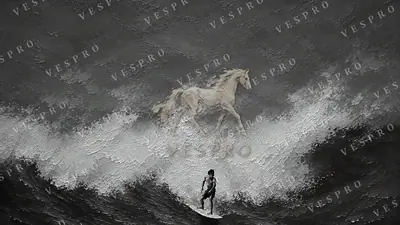 Lone Surfer on a Blue Wave Noir
 -
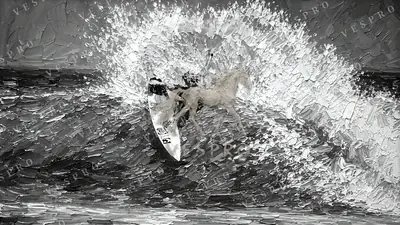 Surfer Carving the Wave Noir
 -
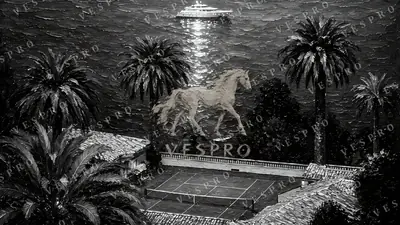 Tennis Court and Yacht at Night Noir
 -
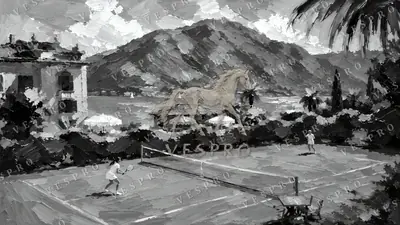 Clay Court on the Lake Noir
 -
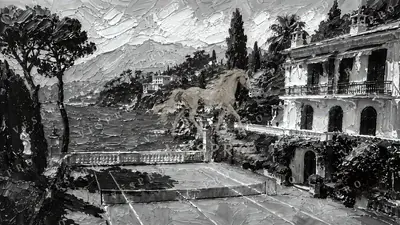 Villa Tennis Court on the Riviera Noir
 -
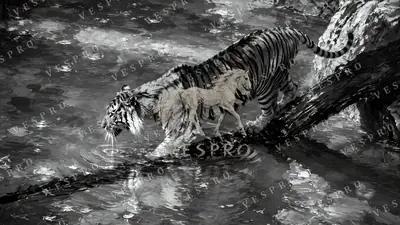 Tiger Crossing the Stream Noir
 -
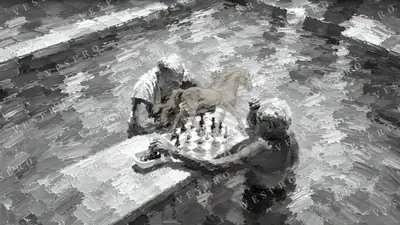 Chess in the Pool Noir
Oil paintings sized for Retina
A MacBook screen packs a lot of pixels into a small space, which is exactly where cheap, upscaled wallpapers fall apart. VESPRO™ paintings are exported in 4K, so the texture of the paint holds up even when you lean in: the ridges, the broken colour, the highlights.
Mac users tend to keep a tidy desktop, so many of these paintings leave open areas of sky, snow or water where your icons and widgets can sit without fighting the image. Prefer a dark menu bar? Try the ocean and city themes; for a light, airy look, the winter paintings work well.
Questions
What wallpaper resolution does a MacBook need?
MacBook Air and 14-inch MacBook Pro screens are between 2560 and 3024 pixels wide; the 16-inch MacBook Pro is 3456 × 2234. A 4K (3840 × 2160) wallpaper covers all of them with room to spare, so it stays sharp on Retina displays.
My MacBook screen is 16:10. Will a 16:9 wallpaper fit?
Yes. macOS fills the screen and trims a thin strip from the sides. All VESPRO™ paintings are composed with the subject away from the edges, so nothing important is cut.
How do I set a wallpaper on a Mac?
Open System Settings › Wallpaper, click Add Photo (or Add Folder), choose the image and select Fill Screen. You can also right-click an image in Finder and choose Set Desktop Picture.
Do they work on iMac and external displays?
Yes. The 4K files suit the 24-inch iMac and 4K or 5K external monitors.